Here is a test you can run right now.
Open WhatsApp. Find a conversation. Delete it “Delete for Everyone,” the full option. Now ask yourself: where did that message actually go?
Not from their screen. From the database. From the backup sitting on a cloud server. From the forensic image a tool like Cellebrite can extract from your device in under four minutes with physical access.
The answer, as security researchers have documented since 2016 and forensic examiners confirm as recently as 2026, is: it did not go far enough.
The SQLite Problem Nobody Fixed
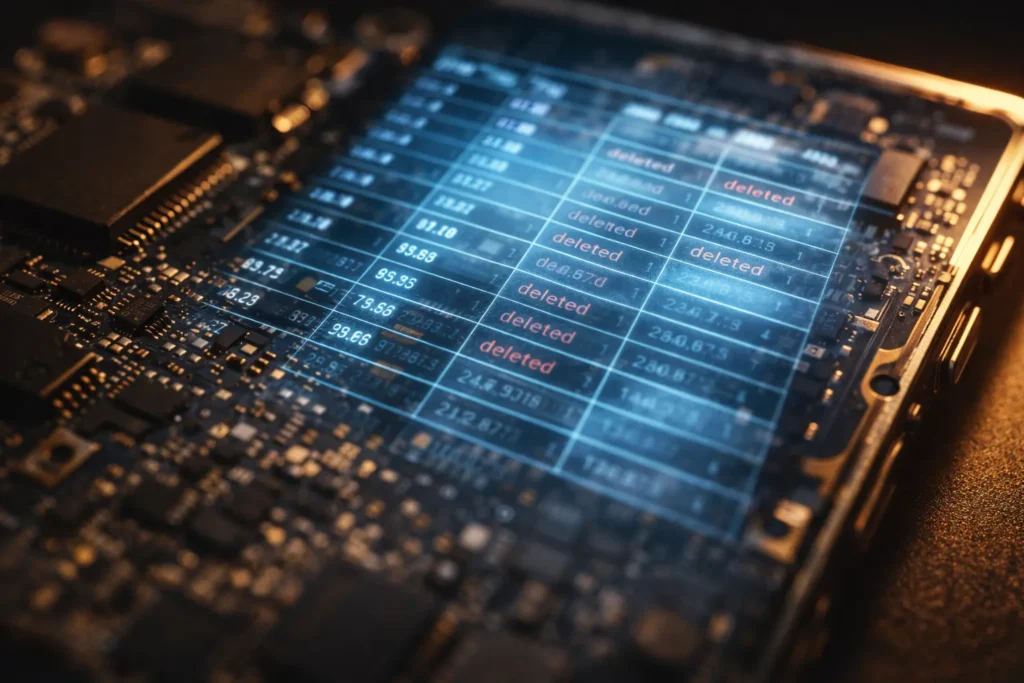
WhatsApp stores every message in a database file on your device using a format called SQLite the same lightweight format used by thousands of mobile apps. When you delete a message, WhatsApp instructs the database to mark that record as deleted. What it does not do is overwrite the physical storage space that record occupied.
iOS security researcher Jonathan Zdziarski documented this in a finding WhatsApp has never meaningfully disputed. He installed the app, created several conversation threads, then systematically deleted them using every available option archive, clear, delete, “Clear All Chats.” He made a device backup after each action and compared the results.
“None of these deletion or archival options made any difference in how deleted records were preserved. In all cases, the deleted SQLite records remained intact in the database.”
His conclusion: “The only way to get rid of them appears to be to delete the app entirely.”
WhatsApp is not doing this deliberately. This is a structural consequence of how SQLite works a problem common to any application using it. When data is marked deleted, the storage space is flagged as available but not cleared. Until something new physically overwrites it, the original content remains readable to anyone with the right tools.
Those tools are commercially available. And law enforcement is already using them.
What Cellebrite Can Actually Recover
Cellebrite, an Israeli digital forensics company whose tools are used by law enforcement across the US, Europe, and beyond, has built extraction capability specifically around WhatsApp’s database architecture.
Deleted WhatsApp messages on iPhones are fragmented but remain stored in an iOS database called “chatsearch” a secondary index WhatsApp maintains for faster searching. Cellebrite’s Physical Analyzer tool can recover these messages, categorising them as “scrambled” and presenting them in fragmented format.
Android differs. Digital forensics expert Vladimir Katalov confirmed the “chatsearch” database does not exist on Android, though alternative recovery methods exist depending on device model and OS version. Effectiveness is inconsistent in one DEA case, Cellebrite’s tool failed to retrieve messages from an iPhone 11, requiring manual retrieval instead. But inconsistency is not the same as impossibility.
The practical reality: if law enforcement has physical access to your device, deleted WhatsApp messages particularly on iOS may be recoverable. The deletion you performed did not eliminate the possibility.
The Cloud Backup Gap Most People Have Never Noticed
The on-device SQLite problem is serious. The cloud backup problem affects far more people.
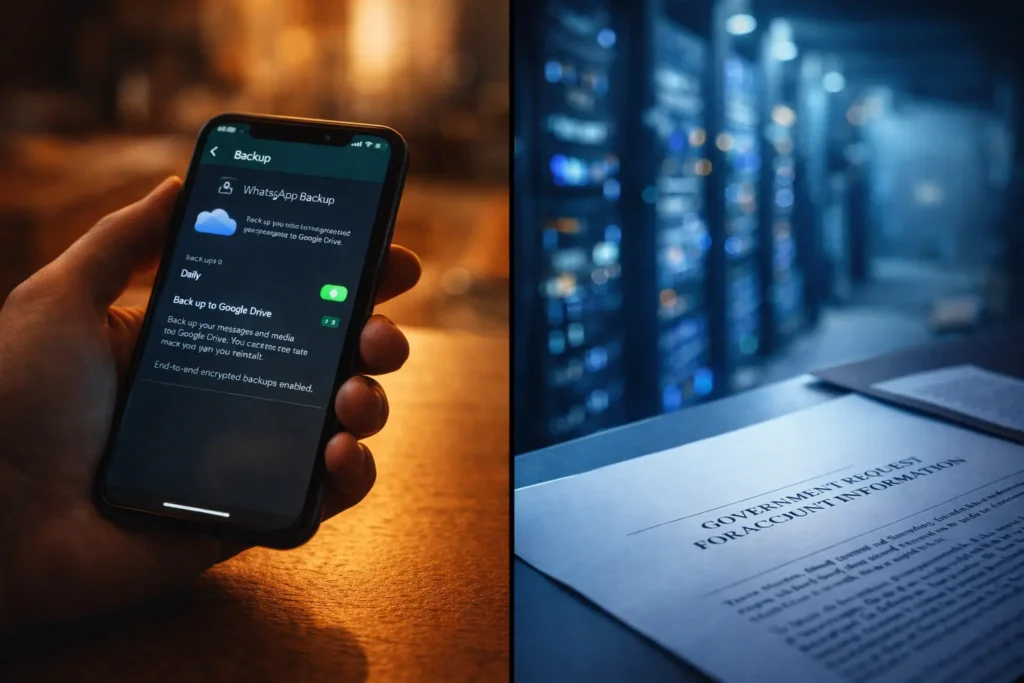
WhatsApp backs up your chat history to Google Drive (Android) or iCloud (iPhone) by default for most users, automatically, every day. That backup contains your entire message history, including messages you deleted after the previous backup ran.
WhatsApp’s own interface stated this plainly for years: “Messages and media backed up in Google Drive are not protected by WhatsApp end-to-end encryption.”
WhatsApp’s messages are end-to-end encrypted in transit genuinely private while moving between devices. But the moment those messages are uploaded to Google Drive or iCloud as a backup, they exit WhatsApp’s encryption and fall under the cloud provider’s own security model. Google and Apple can access those backup files. When a government authority issues a legal request a warrant, a court order, a national security letter those providers must comply.
In 2024 alone, Meta disclosed data in response to over 78% of law enforcement requests involving WhatsApp. The route, in most cases, did not go through WhatsApp’s servers. It went through Google. Through Apple. Through the unencrypted backup in the cloud.
This is not a hypothetical. It is standard procedure.
What Changed in October 2025 And What Still Hasn’t
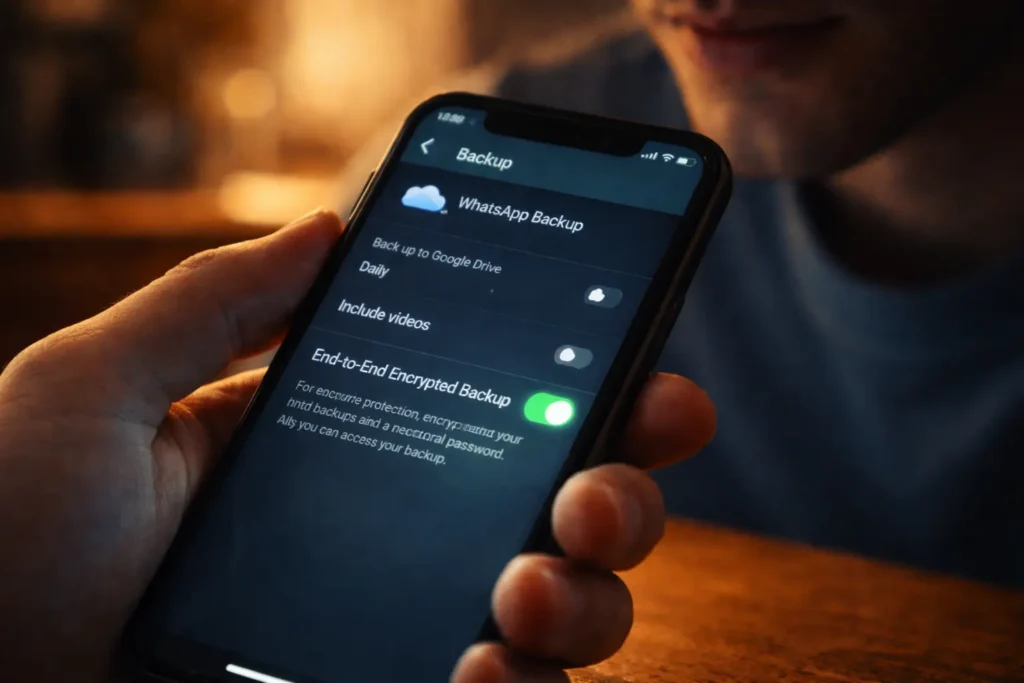
In late October 2025, WhatsApp introduced passkey-based end-to-end encrypted backups a significant improvement. Using biometrics fingerprint or face recognition the new system stores the encryption key on the device. Neither WhatsApp nor the cloud provider can access the backup. The feature rolled out globally on both iOS and Android.
The critical catch: it is opt-in and off by default.
WhatsApp has 3.3 billion monthly active users. The overwhelming majority have never changed a backup setting. Encrypted backup sits three menus deep Settings → Chats → Chat Backup → End-to-End Encrypted Backup. Unless a user actively enables it, their cloud backup remains unencrypted and accessible to cloud providers under legal compulsion.
As of April 2026, WhatsApp is also testing its own proprietary cloud storage with encryption mandatory by default for any backup stored on WhatsApp’s servers, a 2GB standard allocation currently in testing on Android. If this rolls out globally, it would be the first time backup encryption is automatic for WhatsApp users rather than an obscure opt-in buried in settings.
The “Delete for Everyone” Illusion
One specific misunderstanding deserves direct correction.
“Delete for Everyone” removes the message from the local database on both your device and the recipient’s device from the app interface, the message is gone on both screens. Most people assume that means it is gone completely.
It does not mean that.
If the recipient backed up their device before you deleted the message, that backup contains the original. If your own backup ran before deletion, your backup contains it. On iOS, the SQLite trace in the “chatsearch” database may persist regardless of what the interface shows.
“Delete for Me” the other option is even more limited. It removes the message only from your own view. The message remains entirely intact on the recipient’s device, in their backup, and in yours. The deletion applies only to your local screen.
Where Your Message Actually Lives
The complete picture:
You send a message. It is end-to-end encrypted in transit genuinely private while moving between devices. It arrives and is stored in both devices’ local SQLite databases. If either user has automatic backup enabled, it uploads to Google Drive or iCloud unencrypted, unless the manual opt-in was enabled.
You delete the message. The SQLite record is marked deleted but not overwritten. Any backup already taken still contains the message. On iOS, the “chatsearch” index may retain a fragmented copy. With physical device access, Cellebrite and equivalent tools can, under the right conditions, recover the record from the device image.
The message you deleted is: gone from the screen and potentially still accessible in three other places.
What You Should Actually Do
Enable end-to-end encrypted backup immediately. Settings → Chats → Chat Backup → End-to-End Encrypted Backup. Turn it on. Set a passkey. Store your password somewhere secure and offline. This closes the cloud backup gap the most commonly exploited vulnerability.
Enable two-step verification. Settings → Account → Two-Step Verification. This prevents account takeover even if someone has your SIM card or phone number.
Use disappearing messages for sensitive conversations. WhatsApp’s disappearing messages feature sets an automatic deletion timer 24 hours, 7 days, or 90 days. It does not eliminate the SQLite trace entirely, but reduces the window during which content is present and accessible.
For genuinely sensitive communications, use Signal. Signal leaves significantly fewer forensic traces than WhatsApp, handles local deletion more aggressively, and was designed with privacy as the primary constraint not convenience. Understanding which app to use for which conversation is worth a few minutes of your time.
WhatsApp’s encryption for messages in transit is real. The gaps exist at the edges in the device storage, the cloud backup, and a deletion mechanism that marks records as gone without clearing the evidence beneath. Those gaps are documented, actively exploited, and still present for the majority of users who have never changed a default setting.
The delete button is not a shredder. It is a filing cabinet that stops showing you the file. The file is still there.
📌 Read Also:
- The Shadow Profile Facebook Has on You — Even If You’ve Never Had an Account
- Why Incognito Mode Is a Lie — What Your ISP, Employer, and Router Still See
© AiwalaNews | Global Tech & Privacy Edition | April 2026
