
Last year, Google removed over 32 million downloads worth of malicious Chrome extensions from its Web Store. Not from shady third-party sites. From the official store. Extensions that millions of regular Americans had installed, trusted, and completely forgotten about.
The uncomfortable truth is this: Chrome extensions are one of the most underestimated privacy threats sitting inside your browser right now. They can read every webpage you visit, intercept your passwords, monitor your clipboard, and quietly send everything to servers you’ve never heard of.
Here are 7 types of Chrome extensions you need to check for and delete immediately.
1. Free VPN Extensions
The threat level: Critical
Free VPN extensions are the single most dangerous category in the Chrome Store. When something is free, you are the product. Many free VPN extensions including several with hundreds of thousands of five-star reviews have been caught logging user browsing data and selling it to third-party advertisers.
A 2024 investigation found that several popular free VPN extensions were operated by companies with direct ties to data brokers. They weren’t protecting your privacy. They were harvesting it.
Delete if: You installed any free VPN extension and don’t know exactly who operates it.
Safe alternative: Use a paid, reputable VPN app like Mullvad or ProtonVPN never a free browser extension.
2. “PDF Converter” or “File Converter” Extensions
The threat level: High
Search “PDF converter” in the Chrome Web Store and you’ll find hundreds of extensions, most of them built by anonymous developers with no verifiable company behind them. These extensions request permission to “read and change all your data on the websites you visit” which is essentially full access to everything you do in your browser.
Many users install these for a one-time task converting a document and never remove them. Meanwhile the extension sits quietly in the background with full browser access, collecting data indefinitely.
Delete if: You installed a PDF or file converter extension more than 30 days ago and haven’t used it since.
Safe alternative: Use smallpdf.com or Adobe’s free online tools no extension needed.
3. Coupon and Cash-Back Extensions
The threat level: High
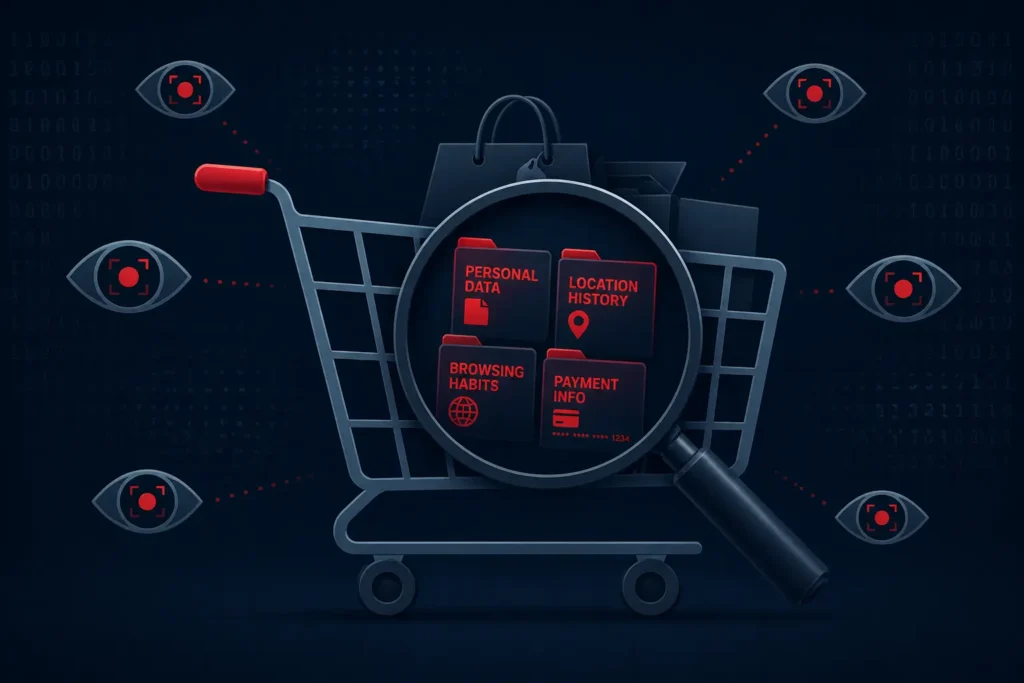
Extensions like Honey, Capital One Shopping, and dozens of lesser-known coupon finders feel genuinely useful. And some legitimate ones are. But here’s what most Americans don’t realize: these extensions can see every single website you visit, every product you look at, and every purchase you make.
A major 2024 lawsuit revealed that Honey owned by PayPal was allegedly hijacking affiliate links, meaning it inserted itself into purchases to claim commission that should have gone to content creators. Beyond the ethics, the data collection scope of these tools is enormous.
Delete if: You have any coupon extension you didn’t research thoroughly before installing.
Safe alternative: Manually search for coupon codes on RetailMeNot or Rakuten’s website not their extensions
4. Extensions That Haven’t Been Updated in Over a Year
The threat level: Medium-High
An extension that was legitimate when you installed it can become dangerous over time. Abandoned extensions are a prime target for cybercriminals they buy the extension from the original developer, push a silent update, and instantly gain access to every user who has it installed.
This is not theoretical. It has happened repeatedly. In 2023, several previously trusted extensions were quietly purchased, updated with malicious code, and turned into data-harvesting tools overnight affecting millions of users who had no idea anything changed.
Delete if: Any of your extensions hasn’t received an update in 12 months or more.
How to check: Go to chrome://extensions → click “Details” on each extension → check the version history on the Chrome Web Store page.
5. “Dark Mode” or “Theme” Extensions
The threat level: Medium
This one surprises people. Dark mode and custom theme extensions are extremely popular and extremely risky. Many are built by unknown solo developers who monetize them by bundling hidden data collection scripts into what looks like a harmless visual tool.
Several dark mode extensions have been found injecting ads into webpages, redirecting search results, and tracking browsing history in the background. Because users only see the visual change, the hidden behavior goes completely unnoticed.
Delete if: You use a dark mode or theme extension from a developer you can’t verify.
Safe alternative: Chrome has a built-in dark mode. Go to Settings → Appearance → Dark — no extension needed.
6. Grammar and Writing Assistant Extensions (Unknown Brands)
The threat level: Medium-High
Grammarly is one of the most installed extensions in the world and it has a clear, published privacy policy. But dozens of copycat grammar extensions have flooded the Chrome Store, built specifically to imitate trusted tools while harvesting everything you type.
Think about what a grammar extension can access: every email you write, every form you fill out, every password field you type in. For a malicious extension, that is an extraordinary amount of sensitive data handed over voluntarily.
Delete if: You have any writing or grammar extension that isn’t Grammarly or a verified enterprise tool.
Safe alternative: Stick exclusively to Grammarly or use the built-in spellcheck in Chrome it reads nothing.
7. Old Shopping or Price Comparison Extensions
The threat level: Medium-High
Like coupon extensions, price comparison tools request sweeping permissions to monitor every product page, every retail site, and every checkout you visit. Dozens of smaller, lesser-known price comparison extensions have been flagged by security researchers for sending browsing data to unidentified remote servers.
The bigger danger: many Americans installed these extensions two or three years ago and have completely forgotten about them. They sit silently in the browser, still collecting, still sending.
Delete if: You have a price comparison extension older than one year from a brand you can’t name from memory.
How to Audit Your Chrome Extensions Right Now
This takes less than 3 minutes:
Step 1 – Type chrome://extensions in your address bar and press Enter.
Step 2 – Look at every single extension listed. If you don’t remember installing it or don’t use it actively, remove it.
Step 3 – For extensions you want to keep, click “Details” and review the permissions. If it says “Read and change all your data on websites you visit” delete it unless you completely trust the developer.
Step 4 – Only reinstall extensions from verified publishers with a clear company name, active support, and a published privacy policy.
The Rule That Will Protect You Going Forward
Security experts recommend one simple principle: treat every Chrome extension like an app you’re installing on your phone. You wouldn’t install a random app from an unknown developer with access to your camera, microphone, and messages. Don’t do it in your browser either.
The fewer extensions you have, the safer you are. Full stop.
Your browser is the most sensitive piece of software on your device. Every extension you add is a door you’re leaving open. Make sure you know exactly who has the key.
📌 Read Also:
- How Hackers Are Using AI to Steal Identities — And How to Protect Yourself
- Your Smartphone Is Listening to You — Here’s the Proof and How to Stop It
© AiwalaNews | Global Tech & Privacy Edition | April 2026
