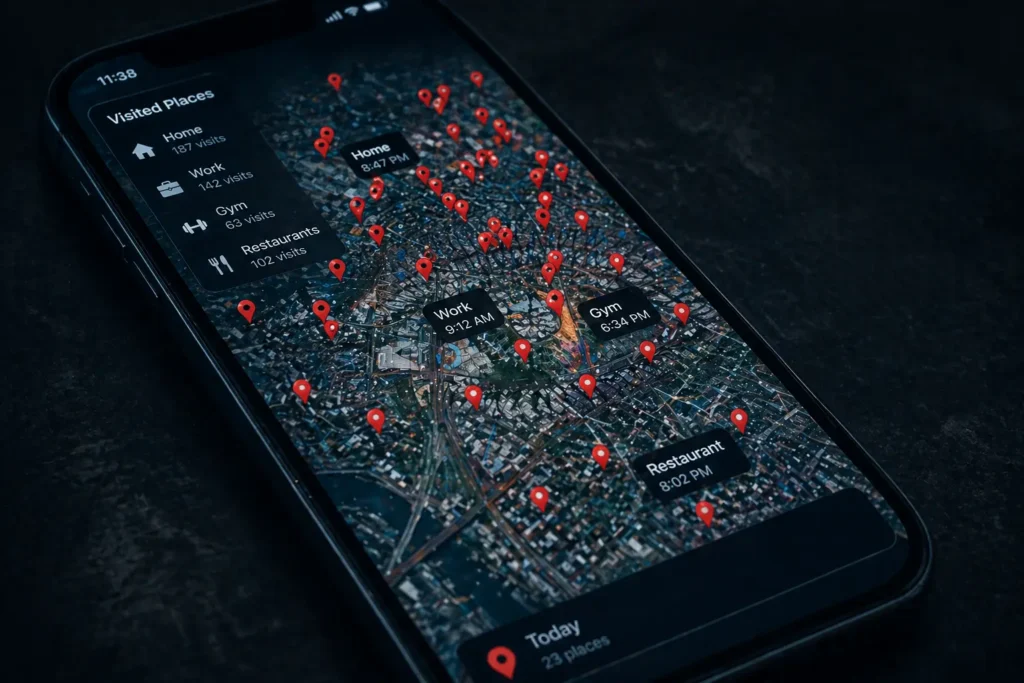
Put your iPhone face-up on the table right now.
That device knows where you woke up this morning. It knows how long you slept, the route you drove to work, which coffee shop you stopped at, and what you searched while you were there. It knows who you called, what you bought, and what time you finally put it down last night.
It has been collecting every single piece of that information every day since the moment you turned it on.
This is not a conspiracy theory. This is how your iPhone was designed to work. And buried inside your settings right now is proof of exactly how much Apple and dozens of companies you’ve never heard of actually know about you.
Here’s the proof. And exactly how to stop it.
Your Location Data Is Far More Exposed Than You Realize
Most iPhone users think they’ve handled location privacy by occasionally denying apps access. They haven’t.
Go to Settings → Privacy & Security → Location Services right now. Count how many apps have “Always” or “While Using” access. For the average American that number sits between 12 and 30 apps.
That means right now phone in your pocket, on your desk, charging on your nightstand up to 30 applications know exactly where you are.
But the deeper issue is buried further inside your settings. Go to Settings → Privacy & Security → Location Services → System Services → Significant Locations.
Unlock it with Face ID. What you’ll find is a detailed timestamped log of every location your iPhone has decided is “significant” your home, workplace, gym, doctor’s office, therapist, your partner’s apartment. Your iPhone has been quietly building a comprehensive map of your entire physical life and most users never knew this feature existed.
Every App Is Building a Psychological Profile on You
In 2021 Apple introduced App Tracking Transparency marketed as a privacy revolution. The reality is more complicated.
Go to Settings → Privacy & Security → Tracking. You’ll see every app that requested permission to track you. What you won’t see is the tracking happening without that permission through first-party data collection Apple’s framework doesn’t restrict.
When you open Instagram, Meta isn’t just seeing what you do inside the app. It tracks every tap, every scroll, every pause, every product you look at and for exactly how long. That behavioral data builds a psychological profile so detailed that Meta’s own researchers have admitted internally it knows users better than their closest friends.
TikTok’s data collection has been described by cybersecurity researchers as among the most aggressive of any consumer app ever studied capturing keystroke patterns, clipboard content, and behavioral data that goes far beyond what any video app reasonably needs.
The apps aren’t just watching what you do. They are learning who you are.
Is Your Microphone Actually Listening?
You mention running shoes to a friend. Hours later running shoe ads everywhere. Coincidence or surveillance?
Go to Settings → Privacy & Security → Microphone. The average iPhone has between 8 and 15 apps with microphone access — including many with no obvious reason to need it.
Here’s the truth: the behavioral prediction algorithms are so sophisticated they frequently don’t need your microphone. If your location shows you’ve been at a running track, your searches include fitness content, and your purchases include athletic wear — the algorithm serves you running shoe ads without hearing a single word you’ve spoken.
It feels identical to being listened to. Because the data portrait they’ve built of you is that accurate.
The Data Brokers You’ve Never Heard Of
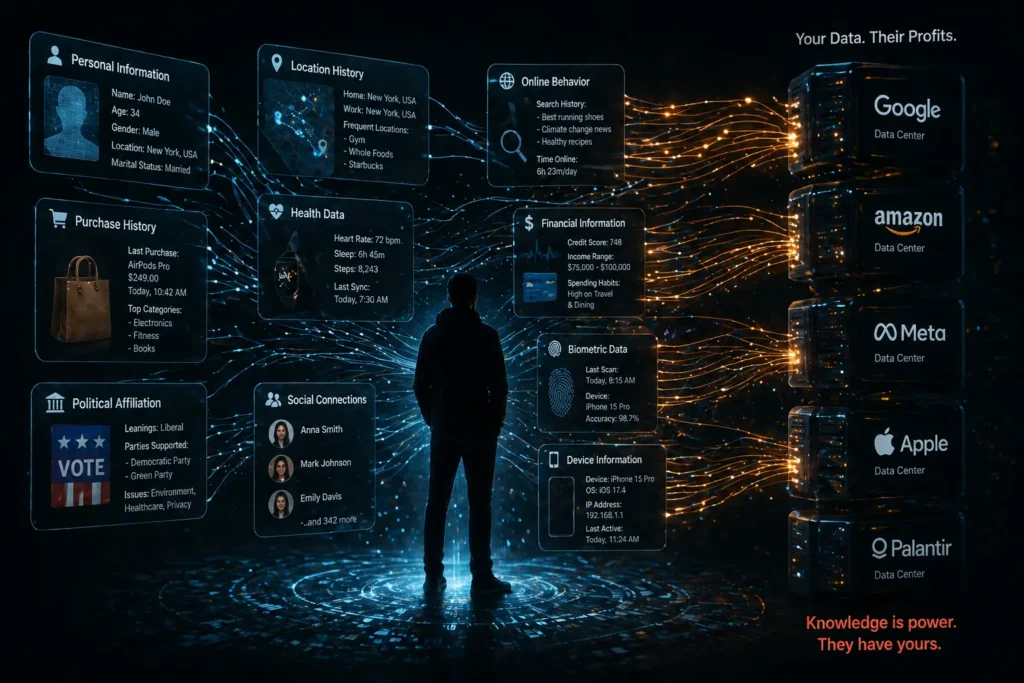
Apple and recognizable apps are only part of the problem. The more alarming layer involves data brokers companies whose entire business is purchasing, aggregating, and reselling your personal data to anyone willing to pay.
Companies like Acxiom and LexisNexis maintain profiles on virtually every American adult your address history, purchase behavior, political affiliation, health interests, income estimate, and physical location patterns. They built these profiles using data that came directly from apps on your iPhone.
Every free app you use, every location permission you grant, every terms of service you tap “agree” on without reading data flows outward. It gets purchased, combined, and added to a permanent profile you’ll never see, maintained by companies whose names you’ll never know.
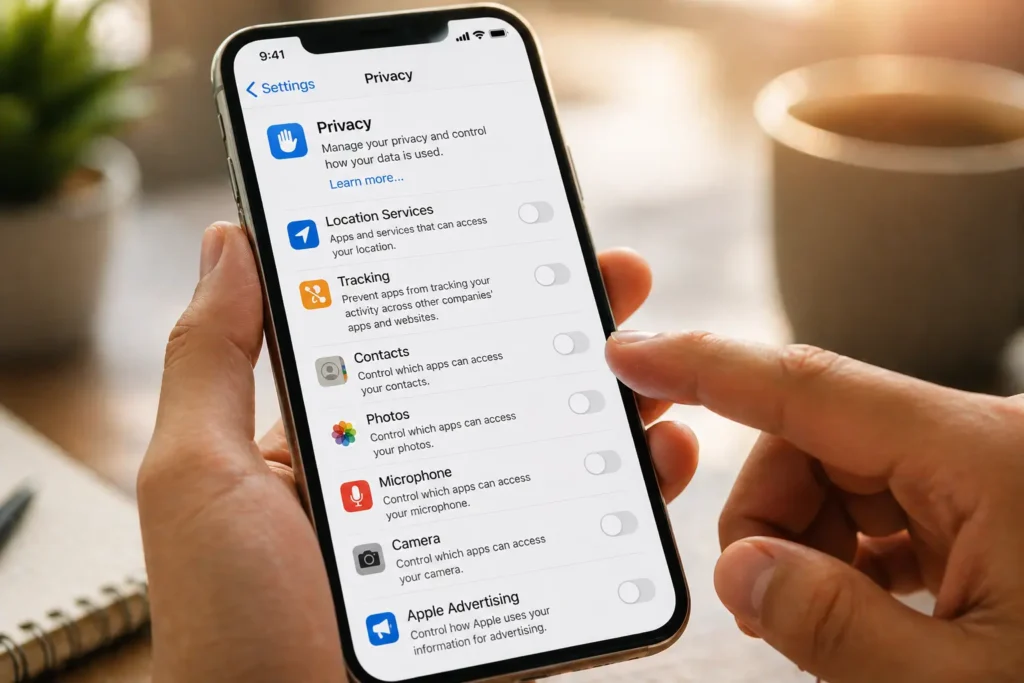
Fix It Right Now – 6 Settings to Change Today
Turn off Significant Locations Settings → Privacy & Security → Location Services → System Services → Significant Locations → Toggle off. Clear existing history immediately.
Audit every app’s location access Settings → Privacy & Security → Location Services. Change every non-essential app from “Always” to “Never.” No app needs “Always” access unless it’s navigation.
Disable personalized ads Settings → Privacy & Security → Apple Advertising → Toggle off “Personalized Ads.”
Review microphone and camera access Settings → Privacy & Security → Microphone and Camera. Remove access from every app without an obvious functional reason to need it.
Block all future tracking requests Settings → Privacy & Security → Tracking → Toggle off “Allow Apps to Request to Track.”
Stop sharing iPhone Analytics Settings → Privacy & Security → Analytics & Improvements → Toggle off “Share iPhone Analytics.”
The Bottom Line
Apple’s privacy marketing is genuinely better than most alternatives. But “better than the competition” is not the same as “private.”
Your iPhone is not a hidden surveillance camera. It is something more personal the most detailed voluntary tracking device most Americans have ever owned. It knows your routines, your relationships, your fears, your habits, and your private 2am thoughts.
The data collected before you change these settings is already out there. Purchased. Aggregated. Sitting in profiles you’ll never see.
But five minutes in your settings today stops the bleeding going forward.
Open your settings. Right now. Before you put this article down and forget about it.
Because the data collection hasn’t paused while you’ve been reading this.
It never pauses.
📌 Read Also:
- 7 Chrome Extensions You Should Delete Right Now for Your Safety
- This Tiny Device Is Blocking Hackers From Stealing Your Data
© AiwalaNews | Global Tech & Privacy Edition | April 2026
