You’ve clicked it hundreds of times. “Forgot your password?” the humble link below every login form, so familiar it’s become invisible.
But that single click triggers one of the most carefully engineered security sequences in modern computing. Done right, it’s a cryptographic system that proves your identity without anyone ever seeing your password. Done wrong, it’s the most exploitable hole in an application’s security a back door an attacker can walk straight through.
Here’s exactly what happens when you click it.
Your Password Doesn’t Exist Anymore
Before understanding password resets, you need to know something that surprises most people: your password isn’t stored anywhere.
Not on Google’s servers. Not in your bank’s database. Not in any form that could be retrieved and sent back to you. The moment you created it, the original was intentionally destroyed.
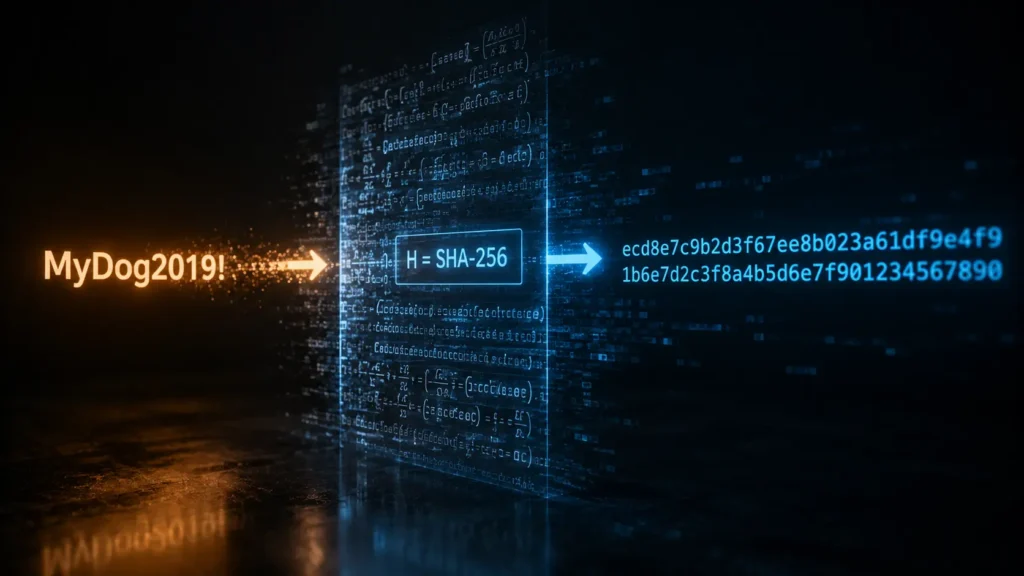
What was stored instead is called a hash a fixed-length string produced by running your password through a one-way mathematical function. SHA-256, bcrypt, Argon2 these algorithms take your password as input and produce a fingerprint as output. The process is irreversible. You can go from password to hash in milliseconds. Going backwards is, for modern algorithms, computationally impossible.
This is why your bank can’t email you your forgotten password. It doesn’t have it. When you log in, the system hashes what you typed and compares it to the stored hash. Match: you’re in. No match: wrong password. The original never needs to be known.
The Token: A Temporary Key Made of Real Randomness
Since your password is gone, password reset works differently it creates a temporary credential that lets you set a new one.
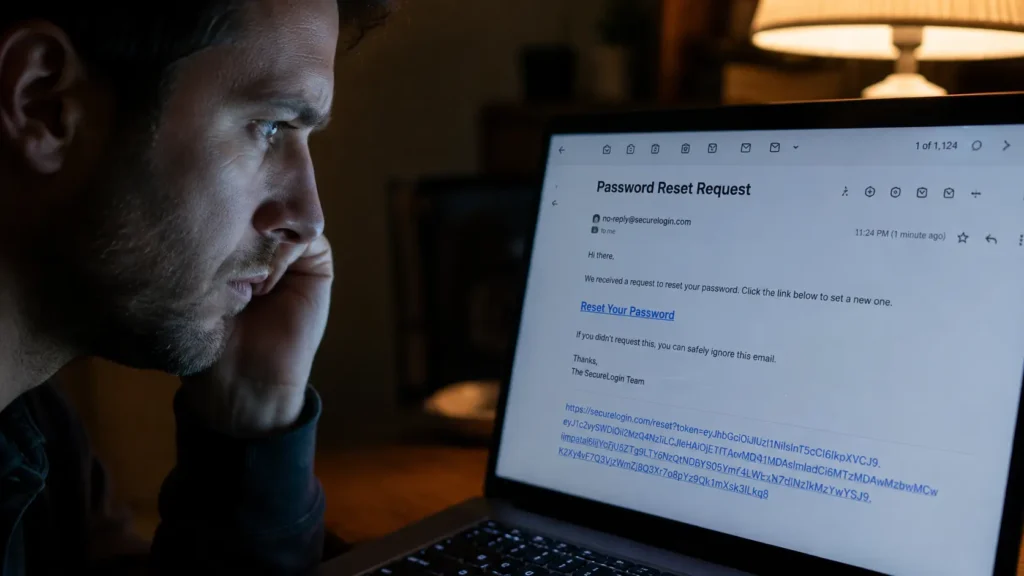
The proof that you own the account is a token inside a link. Whoever has this token can reset the password so it must be protected as carefully as the password itself.
Using a secure random source, the token should be a long random string at least 64 characters to prevent brute force attacks. The generated token is then hashed using SHA-256 and stored in the database along with the user’s ID and an expiration time.
The randomness matters technically. Regular random number generators follow patterns a determined attacker could predict. A cryptographically secure random number generator draws from true entropy hardware timing variations, system noise, environmental data. The output is genuinely unpredictable. The probability of guessing a well-generated reset token correctly is comparable to guessing someone’s exact GPS location on Earth to within one millimeter.
Why the Server Doesn’t Store Your Token Either
Here’s the part most explanations skip entirely: the server doesn’t store your reset token in plain text either.
Hash tokens using a secure hash function like SHA-256 before storing. Compare hashes during validation not the raw token.
The same one-way hashing applied to passwords is applied to reset tokens. The token sent to your email is the raw value. The server stores its hash. When you click the link, the server hashes the token from the URL and compares it to the stored hash the original never sits exposed in a database.
Why does this matter? Because databases get breached. Storing tokens directly poses a security risk a database breach could expose the tokens to attackers. Hashing ensures that even if the database is compromised, the actual tokens remain protected.
The architecture is designed so that a complete database theft provides attackers nothing immediately usable.
The Expiry Window: Why 15 Minutes
Reset links typically expire within 15 to 30 minutes. This is a calculated security decision.
A reset token in your inbox is a live credential. Your email can be compromised through a weak email password, a shared device, an unattended session. The longer the token stays valid, the longer an attacker who gains inbox access can abuse it.
Set tokens to expire within 15 to 30 minutes to minimize risk. Expired tokens should be regularly removed from the database, reducing the attack surface and preventing exploitation of stale reset requests.
The 15-minute window is the practical trade-off: long enough for a real user to notice the email and click the link, short enough that a delayed attacker finds nothing usable.
One-Time Use: The Token That Destroys Itself
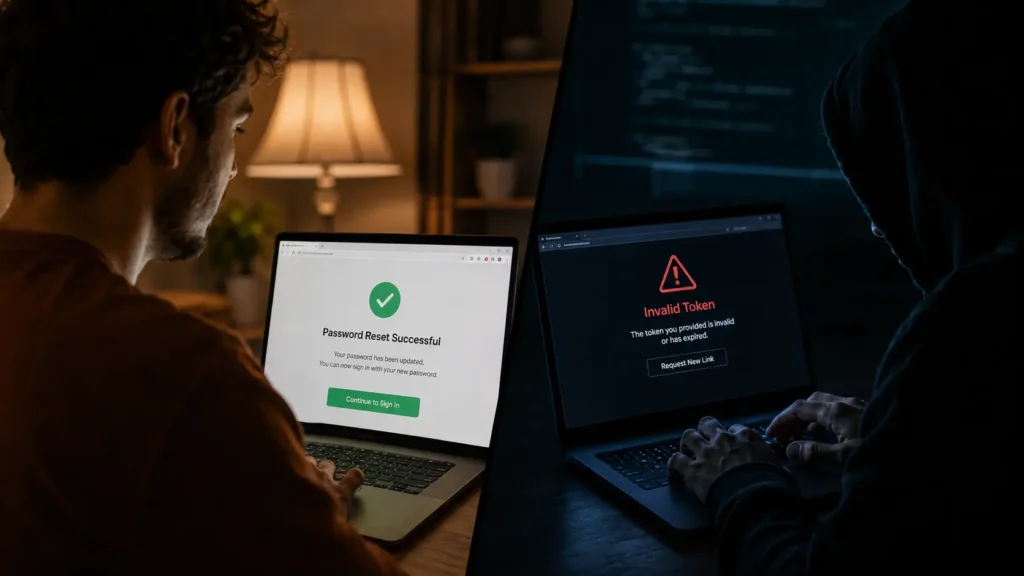
A secure reset token isn’t just time-limited. It’s single-use and it self-destructs the moment it works.
To make a token genuinely one-time-use, the user’s current password hash is used as part of the validation key. Once the user changes their password, a new password hash is generated invalidating the secret key that references the old one. The same token, used again, fails to decode correctly because the hash it was tied to no longer exists.
The act of resetting your password makes the token automatically invalid. You can’t use the same reset link twice not because the server blacklisted it, but because the very data it was verified against changed the moment it was used.
When a new token is generated, any previously generated tokens for the same account should be invalidated. If a user requests multiple resets in quick succession, only the latest token should be valid preventing exploitation of older, potentially compromised tokens.
Where It Goes Wrong
The technical architecture is sound. Implementations frequently aren’t.
Weak password reset tokens such as those based on an MD5 hash of a timestamp can be guessed or brute-forced. Attackers test recent timestamps by hashing them and comparing outputs to observed reset tokens. MD5 can be brute-forced efficiently, making any token generated this way vulnerable to account takeover.
The second common failure is exposing the token in URL logs. Web servers log every URL they serve. If the reset token appears as a URL query parameter, it may be captured in server logs, browser history, referrer headers, and analytics tools each a potential exposure point. Secure implementations move the token into a POST body or cookie, keeping it out of logs entirely.
Algorithms like MD5, once considered acceptable, have been compromised and are no longer suitable. Modern standards recommend Argon2 or bcrypt computationally expensive algorithms that make brute-force attacks significantly harder.
The Whole Sequence, Simply
You click “Forgot your password?” The server generates 64 characters of cryptographically random data, hashes it with SHA-256, and stores the hash alongside your user ID and a 15-minute expiry. The raw token before hashing goes into a link emailed to you.
You click the link. The server hashes the URL token, finds a matching unexpired hash in the database tied to your account. You type a new password. The server hashes it with bcrypt and stores it, replacing the old hash. The reset token hash is deleted.
The link is now dead. Your old password hash is gone. Nobody saw your password at any point.
That’s the cryptography behind one button and why getting it wrong breaks everything.
© AiwalaNews | Global Tech & Privacy Edition | May 2026
Read Also:
- 🔗 How Your Bank Knows It’s Not You Within 0.3 Seconds of Login
- 🔗 The Invisible Security Layer Protecting Every App You Use — Explained Simply
