This article is based on published technical documentation from Supercode, QRLynx, Scanova, and illi.io, and verified engineering specifications from the QR code standard. This is an educational explainer no prior technical knowledge required.
You point your phone at a small black-and-white square. In under a second, you’re looking at a restaurant menu, a payment screen, or a product page. The whole interaction takes less time than a blink.
But in that fraction of a second, your phone performed a remarkable piece of engineering decoding a grid of precisely arranged squares that encodes thousands of characters of data using a system designed in a Japanese auto factory in 1994 and refined into one of the most robust data storage formats ever deployed at consumer scale.
Here’s what’s actually happening inside that tiny square.
The Origin: Built for Car Parts, Adopted by Everyone
The QR code Quick Response Code was invented by DENSO WAVE, a Japanese company, in 1994 for tracking automotive parts. Unlike traditional one-dimensional barcodes that store only a dozen characters, QR codes can hold up to 7,089 numeric digits or 4,296 alphanumeric characters an information density tens of times greater.
In 2026, more than 2.2 billion people scan QR codes every month nearly 29% of every smartphone user on the planet. QR codes appear on restaurant tables, product packaging, event tickets, doctor’s offices, billboard ads, and clothing tags.
The jump from car parts inventory to global digital infrastructure happened because the underlying design solved a problem nobody else had cracked: how do you store a meaningful amount of data in a printable, scannable format that works even when damaged, dirty, or partially obscured?
The Structure: Three Squares and a Grid
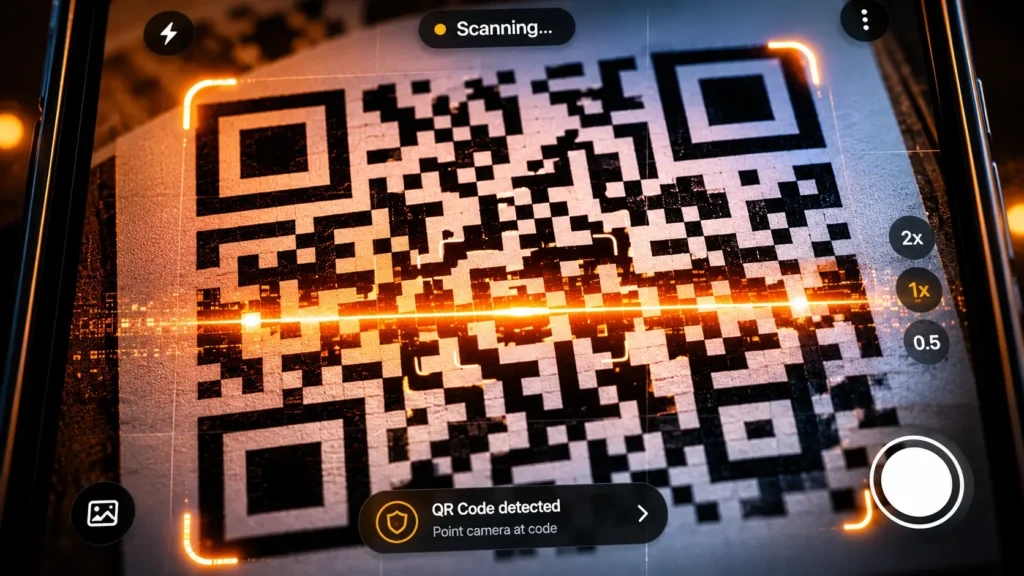
A QR code’s structure has three main parts: finder patterns, data modules, and alignment markers. The square finder patterns in the corners help your phone or scanner locate and orient the code.
Those three large squares in the corners aren’t decoration. They’re navigation markers telling your camera exactly where the code begins and ends, what angle it’s at, and how to interpret everything between them. Without them, your phone would have no reference point for reading the data modules.
The rest of the grid the dense field of small black and white squares filling the remaining space is the data. Each square is called a module. Each module represents a binary value: black is 1, white is 0. Taken together, the modules encode your data as a binary string that the scanning algorithm converts back into text, a URL, or whatever was originally encoded.
The encoder automatically selects the most efficient mode for your input. Shorter data produces simpler, easier-to-scan codes which is why a QR code for a 30-character URL looks cleaner than one for a 500-character paragraph.
The Encoding: How Text Becomes a Pattern
QR codes support four main encoding modes, each optimized for different types of data: Numeric mode groups digits into sets of three and converts each group to 10-bit binary. Alphanumeric mode handles letters, numbers, and symbols. Byte mode handles any binary data including full URLs. Kanji mode encodes Japanese characters efficiently.
The process follows a precise sequence: the input is converted to binary codewords following the mode’s bit-packing rules. Then error correction codewords are calculated and appended to the data. Then the combined binary stream is placed into the code’s data region in a serpentine pattern, column by column from right to left. Finally, one of eight mask patterns is applied using an XOR operation to ensure a balanced distribution of dark and light modules which improves scanning reliability.
That last step masking is what prevents large blocks of identical modules from forming, which would confuse scanners. The algorithm tests all eight mask patterns and chooses the one that produces the most balanced distribution.
The Error Correction: The Engineering That Makes It Indestructible
This is the feature that separates QR codes from every barcode format that came before and the reason a QR code with a logo stamped over part of it still scans perfectly.
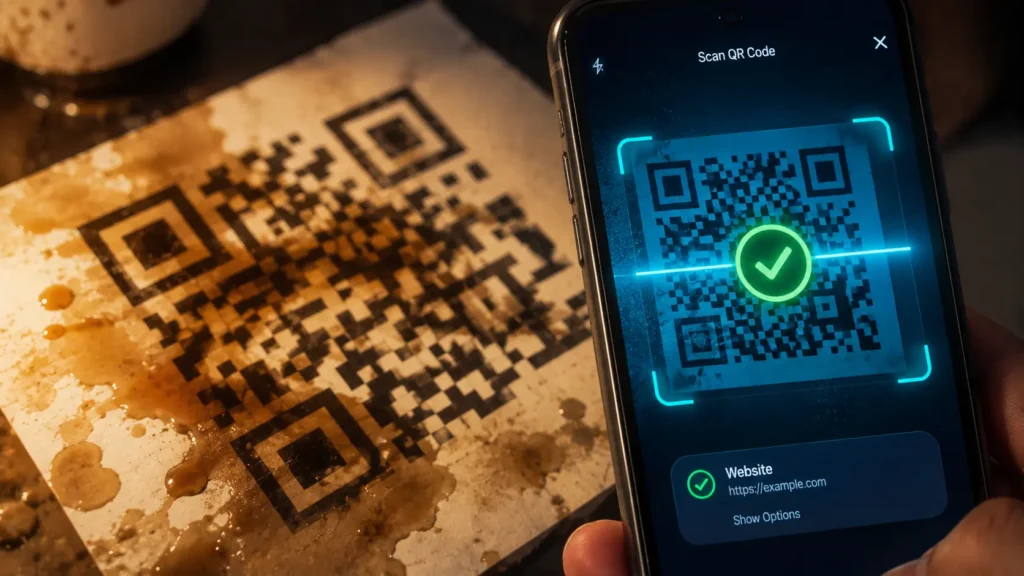
Error correction works simply: your URL or text is converted into a binary sequence of 1s and 0s. The Reed-Solomon algorithm then calculates additional “error correction codewords” and appends them to the data. When a scanner reads the QR code, it checks for errors if modules are missing or damaged, the algorithm uses the redundant codewords to reconstruct the original data. Think of it like sending a message with extra copies of key words. If some words get smudged, the reader can fill in the blanks from the copies.
The Reed-Solomon error correction algorithm, developed in the 1960s, is also employed in data storage devices like CDs and DVDs to protect against scratches and errors. The same mathematics protecting your music from a scratched disc is protecting your QR code from a coffee stain.
There are four error correction levels: Level L recovers up to 7% damaged data. Level M recovers 15%. Level Q recovers 25%. Level H recovers 30%.
Level H is required when adding a logo overlay. A centered logo typically covers 7 to 10% of the code area Level H provides enough margin for the logo plus any additional wear or damage, with 65% more modules than a Level L code for the same data.
The Scan: What Happens in Under a Second
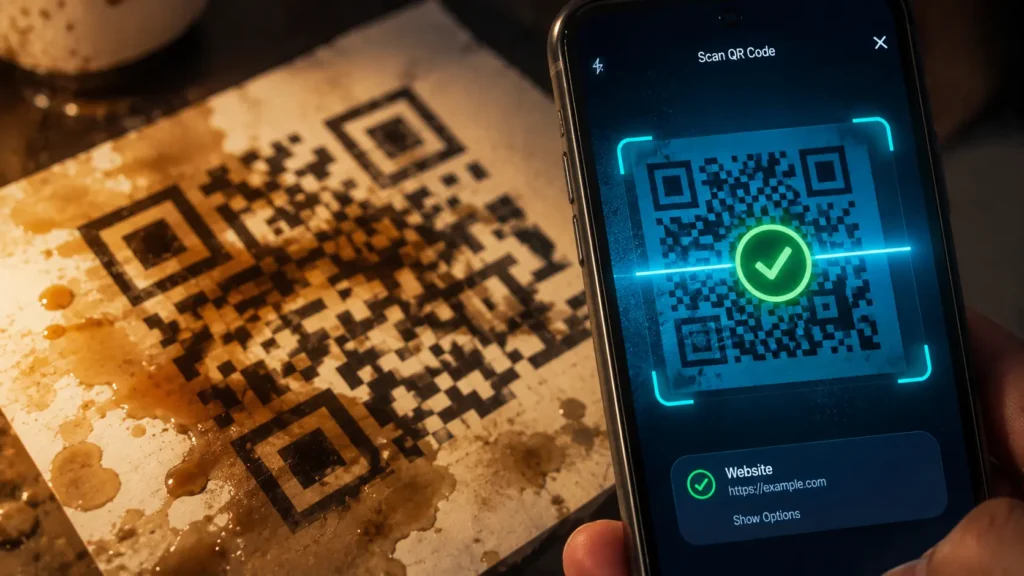
When your phone’s camera points at a QR code, the scanner first locates the finder patterns to determine orientation and scale. It then samples the module grid, converting dark and light squares into binary values. The error correction algorithm checks for damaged or unreadable modules and reconstructs them. Finally, the binary stream is decoded back into the original data a URL, text, payment address, or whatever was encoded.
That entire process happens in the time it takes your camera app to focus. The scanning speed is possible because the finder patterns give the algorithm an immediate reference frame there’s no searching, no rotation correction needed.
Static vs Dynamic: The Version Most People Don’t Know Exists
Dynamic QR codes can be edited or updated after they have been created and distributed the data encoded within them can be changed without creating a new QR code.
The technical mechanism: a dynamic QR code encodes a short redirect URL rather than the final destination directly. The redirect is controlled by the QR code creator so changing the destination means updating the redirect, not reprinting the code. Restaurant menus, event tickets, and marketing campaigns typically use dynamic codes for exactly this reason.
A static QR code encodes the final data permanently. Once printed, it cannot be updated. For anything involving a fixed URL, contact information, or data that will never change, static codes are simpler and more reliable.
The small black-and-white square you scan without thinking twice contains a 30-year-old piece of engineering that combines binary encoding, mathematical error correction borrowed from space communication systems, and optical navigation markers into something that fits on a business card and works even when it’s been half-destroyed.
That’s the grid. Now you know what’s inside it.
© AiwalaNews | Global Tech & Privacy Edition | May 2026
Read Also:
- 🔗 How “Forgot Your Password?” Actually Works — The Cryptography Nobody Explains Simply
- 🔗 How Google Maps Knows There’s a Traffic Jam Before You Hit It
