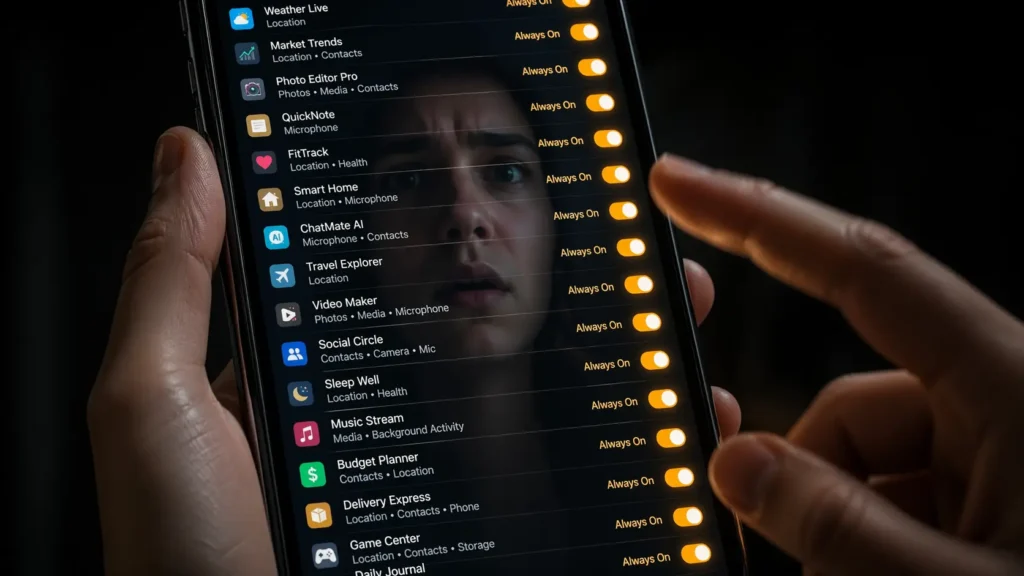
You don’t remember clicking it. The app does. And it hasn’t stopped since.
Somewhere on your phone right now, an app you downloaded fourteen months ago maybe a game, maybe a photo editor, maybe a flashlight is quietly accessing your location. Not because you’re using it. Not because you opened it today. Because you tapped “Allow” once, and that single tap never expired.
This is not a glitch. This is not an oversight. This is exactly how the system was designed to work.
The Tap That Never Ends
Think back to the last time you downloaded an app. A permission request appeared. “Allow access to your location / contacts / microphone / camera.” You were trying to get to the app. The request was in the way. You tapped Allow in under two seconds and moved on.
That was not a one-time decision. That was an open-ended authorization with no automatic expiration.
Unlike a subscription you can cancel, most app permissions run indefinitely until you manually revoke them. The app doesn’t need to remind you. It doesn’t need your permission again. It was given the key once and it kept the key.
“You didn’t give an app permission. You gave it permanent access. There’s a difference and it’s running right now in the background of your phone.”
What’s Actually Happening While You’re Not Looking
Background app activity is invisible by design and that invisibility is doing serious work.
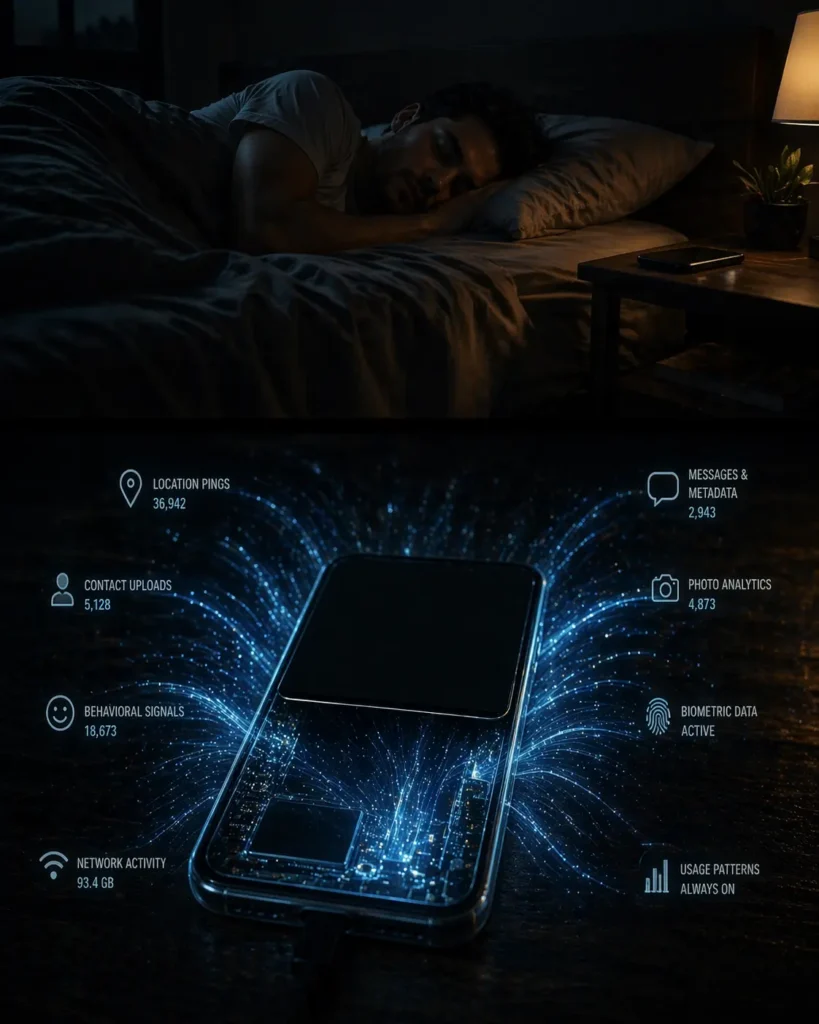
When an app has location permission, it doesn’t need to be open to track where you are. It pings your GPS continuously while you sleep, while you work, while you’re at a medical appointment or a place of worship or a political meeting.
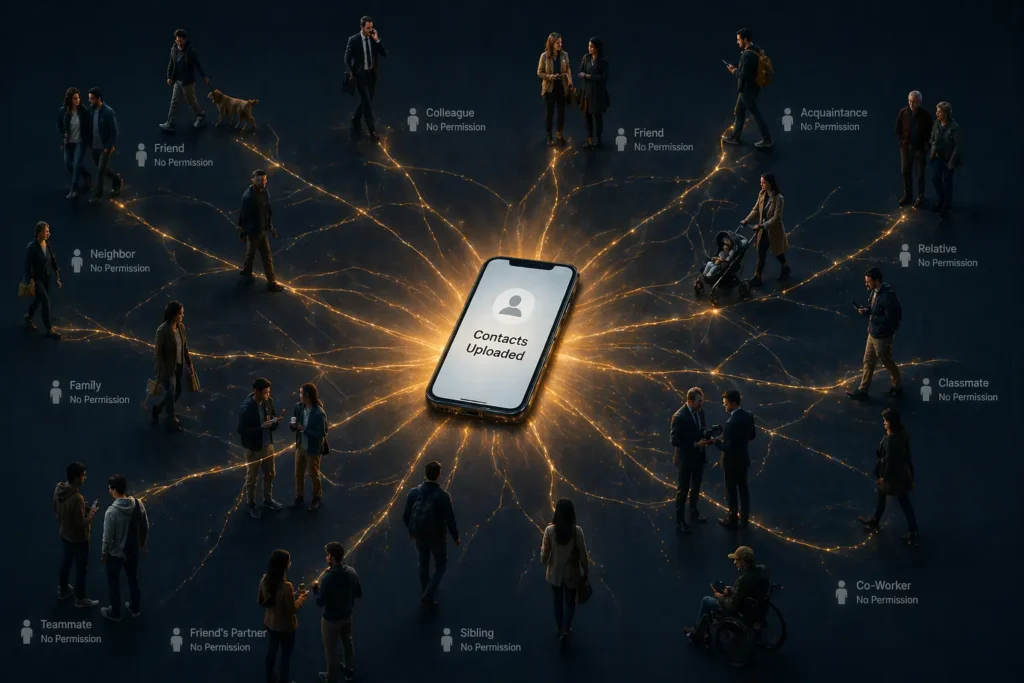
When an app has contacts access, your entire social graph every name, number, and relationship in your phone was uploaded to their servers the moment you granted permission. It is still there.
Here is the part that should genuinely stop you: you gave permission on behalf of people who never consented. Every person in your contacts who never downloaded that app, never agreed to anything their data was taken through your single tap.
The Apps Most Likely Still Running Right Now
Social media apps request the broadest permissions and retain them longest. That Facebook or Instagram app you barely open? Still has location, contacts, camera, and microphone access active in the background even when the app is closed.
Free games you played for two weeks and forgot deploy up to 14 tracking SDKs simultaneously. Your play session from sixteen months ago gave those SDKs permission that is still active on your device today.
Shopping apps that offered a discount code requiring “just a quick download” retain precise location tracking that logs every physical store you visit, every competitor you browse, every neighborhood you frequent. You got 15% off one order. They got a permanent behavioral profile.
Dating apps you no longer use retain intimate preference data, nighttime location patterns, and psychological profile signals built from your in-app behavior. Deleting the app from your home screen does not delete the permissions or the data already collected.
Fitness and health apps hold biometric data sleep patterns, heart rate, menstrual cycles, stress indicators under permission grants most users made during an initial excited setup and never revisited.
The Audit That Takes Eleven Minutes
On iPhone: Settings → Privacy & Security → Location Services. Every app with location access is listed. Check which are set to “Always” meaning they track you continuously, even when closed. Switch everything non-essential to “Never” or “While Using.”
Then work through: Microphone → Contacts → Camera → Photos. Review every app listed under each category. Revoke anything without a clear, functional reason to need it.
On Android: Settings → Privacy → Permission Manager. Same process. The list will surprise you. Apps you forgot you had are listed with permissions you forgot you granted.
The rule going forward: When any app requests a permission with no logical connection to its function — a recipe app asking for contacts, a calculator asking for location — that mismatch is the signal. Deny it immediately. If the app stops working, it was never really what it claimed to be.
Why This Feels Invisible – And Why That’s Intentional
The permission system was not designed for user awareness. It was designed for user compliance.
Permission requests appear at the exact moment of maximum distraction the install, the excitement, the impatience to get to the thing you downloaded. The “Allow” button is large and obvious. The “Don’t Allow” option is smaller, grayed out, engineered to feel like it might break the app.
This is not coincidence. It is design.
The apps benefiting from this have no incentive to change it. Regulatory frameworks in the USA, UK, and India are years behind the technology they’re meant to govern. Which means the responsibility sits entirely with you the person who tapped Allow once, and the person who can open Settings right now and change what happens next.
Beyond the Audit
Delete apps you haven’t opened in 90 days. No app means no permissions and no ongoing access. On iPhone, enable Offload Unused Apps in Settings or better, delete them entirely.
Check app privacy labels before downloading. Both the App Store and Google Play display data collection summaries on every listing. Thirty seconds of reading before install beats eleven minutes of damage control after.
The Truth Nobody Prints at Install
You are not the user of these apps. You are the inventory.
Your location, your contacts, your voice, your face, your health these are not side effects of using free apps. They are the product being manufactured every single day since the last time you tapped Allow.
The good news: you can stop it. Right now. In eleven minutes.
Open Settings. Start the audit. What you find will change how you look at every app on your phone.
