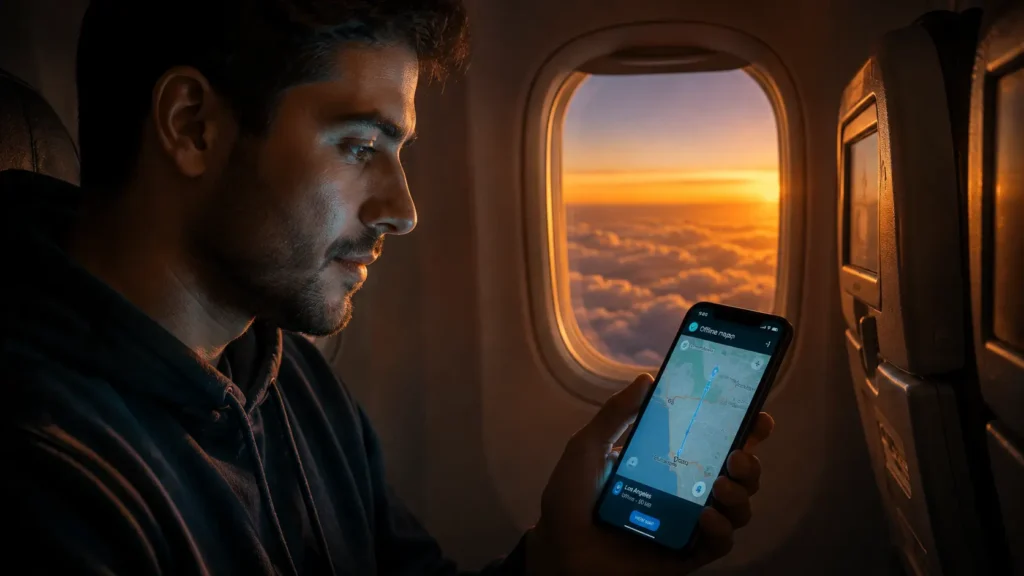
I remember sitting on a redeye a few years back, watching the woman next to me flip her phone into airplane mode, then casually open a downloaded playlist, check her step count, and glance at a weather widget that somehow still updated the second we landed. None of that struck her as odd. It struck me, because I’d just spent a week reading through phone manufacturer documentation for an unrelated project, and I knew exactly why all of that still worked.
Airplane mode feels like an off switch. In reality, it’s a very narrow one. It targets a specific set of radios, not the entire phone. Understanding what actually gets shut off, and what quietly keeps going, changes how you think about your device every time you fly, or honestly, every time you just want a break from being reachable.
The Part That Actually Turns Off
When you flip on airplane mode, your phone disables its cellular radio, the component that talks to nearby cell towers for calls, texts, and mobile data. This is the original reason the mode exists. Aviation regulators have long required passengers to stop actively transmitting cellular signals during flight, partly out of caution around potential interference with aircraft communication and navigation equipment, and partly because a phone hunting for a signal at cruising altitude burns through battery fast while switching between distant towers.
Alongside cellular, most phones also disable WiFi and Bluetooth by default when airplane mode kicks in. That’s the second radio pair most people associate with “everything is off now.”
The Part Nobody Expects to Keep Working
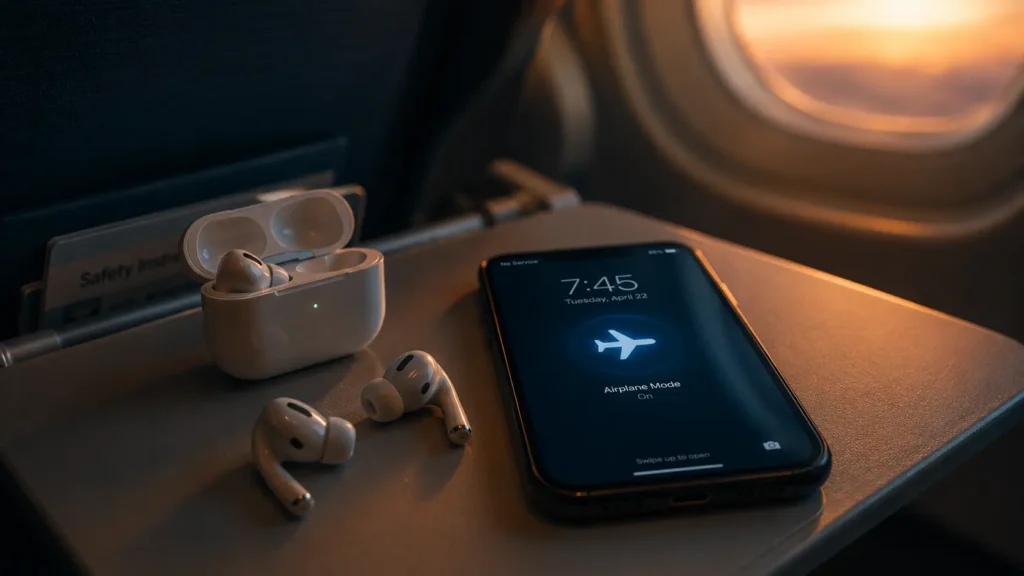
Here’s where it gets interesting. On nearly every modern smartphone, you can turn WiFi and Bluetooth back on while airplane mode stays active. Airlines rely on this constantly. That inflight WiFi you paid eight dollars for, or the free one your airline finally started offering, only works because your phone lets you reenable WiFi independently of the airplane mode toggle. Airplane mode isn’t a single master switch anymore. It’s more like a default state that you’re allowed to partially override.
Bluetooth follows the same logic, which is why noise cancelling headphones and wireless earbuds keep pairing and playing audio at 30,000 feet, even with the little airplane icon glowing in your status bar.
Then there’s GPS. A lot of people assume location services shut off too, since it feels like part of the same “connectivity” family. But GPS is fundamentally different from cellular or WiFi. Your phone’s GPS chip doesn’t transmit anything to satellites, it only receives signals from them. Because there’s no outgoing transmission, GPS doesn’t pose the same theoretical interference concern, and many phones keep it fully functional in airplane mode. That’s why a downloaded offline map can still track your blue dot moving across the country while you’re mid flight with zero signal.
Sensors, Storage, and the Stuff That Was Never Wireless to Begin With
Beyond radios, your phone is packed with components that have nothing to do with sending or receiving signals at all. The accelerometer and gyroscope, the sensors that track motion and orientation, keep running the entire time. That’s how a fitness app can log that you got up and walked to the bathroom during a flight, even without a network connection.
Your camera works. Your photo gallery works. Any app that doesn’t need live internet, a notes app, an offline game, a downloaded ebook, a saved podcast episode, keeps functioning exactly as it would on any ordinary day. The processor, the storage, the battery, the screen: none of that is tied to airplane mode at all. Airplane mode only touches the radios responsible for wireless transmission. Everything else on the device just keeps doing its job.

A Small Real World Test
Out of curiosity, I ran a simple check on my own phone last month before a flight. I turned on airplane mode, then opened the stopwatch, took a photo, checked my offline downloaded map of a city I was heading to, and glanced at my step count from earlier that day. All four worked instantly, no signal required. The only things that genuinely went dark were live weather updates, incoming texts, and anything trying to reach the internet in real time.
That small test tells you almost everything you need to know about how the mode is actually built. It’s not designed to freeze your phone into a dumb brick. It’s designed to stop one specific category of behavior: active wireless transmission that could theoretically interfere with aircraft systems, while leaving the rest of your device’s functionality untouched.
Why This Actually Matters
Knowing this changes how you use the mode day to day. If you want real quiet, no notifications, no background syncing, no location tracking at all, airplane mode alone won’t fully get you there, since WiFi and GPS can quietly keep working depending on your settings. If you’re trying to save battery on a long flight without inflight WiFi, keeping everything off after enabling airplane mode is the better move. And if you’ve ever wondered how your phone seems to “know” things during a flight it supposedly has no connection to, now you know: it never lost every ability. It just lost its radios’ permission to talk outward, not its ability to sense, store, or calculate.
The airplane icon on your screen isn’t lying to you. It’s just telling you less than you assumed.
Read also this: What Really Happens When You Force Restart Your Phone | The Hidden Battery Drain Habits Almost Everyone Has
© AiwalaNews | Global Tech & Privacy Edition | April 2026
