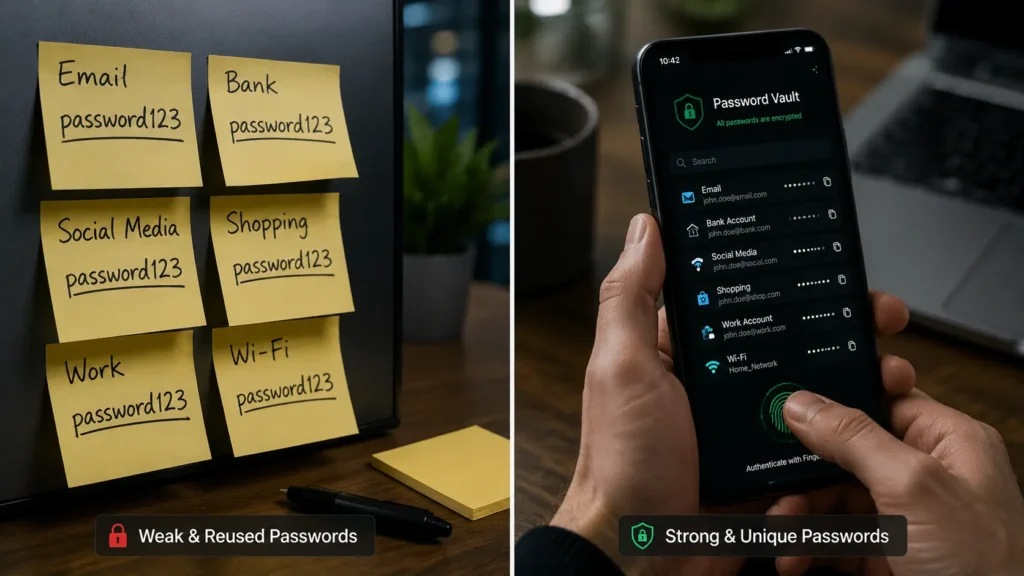
Every week, another company announces a data breach. Millions of usernames and passwords are leaked online, and cybercriminals quickly test those credentials on banking apps, email accounts, streaming services, and social media.
Despite this, many people still rely on the same password for multiple accounts or store passwords in a notebook, browser, or phone notes app.
Ironically, one of the most misunderstood cybersecurity tools is also one of the safest: the password manager.
Many users ask the same question:
“Isn’t putting all my passwords into one app dangerous?”
The answer, according to cybersecurity experts, is usually no. In fact, for most people, using a reputable password manager is significantly safer than trying to remember dozens of passwords.
The Biggest Password Problem Isn’t Hackers It’s Humans
Studies consistently show that people reuse passwords across multiple websites.
That means if one shopping website is hacked, attackers often try the same email and password combination on Gmail, Facebook, PayPal, Amazon, and even banking websites.
This technique is called credential stuffing, and it remains one of the most successful cyberattack methods today.
The real weakness isn’t encryption.
It’s human memory.
Because people struggle to remember dozens of complex passwords, they naturally create passwords that are:
- easy to guess
- reused across accounts
- based on birthdays or names
- only slightly modified for different websites
That’s exactly what attackers expect.
How Password Managers Actually Protect Your Data
Modern password managers don’t simply store passwords.
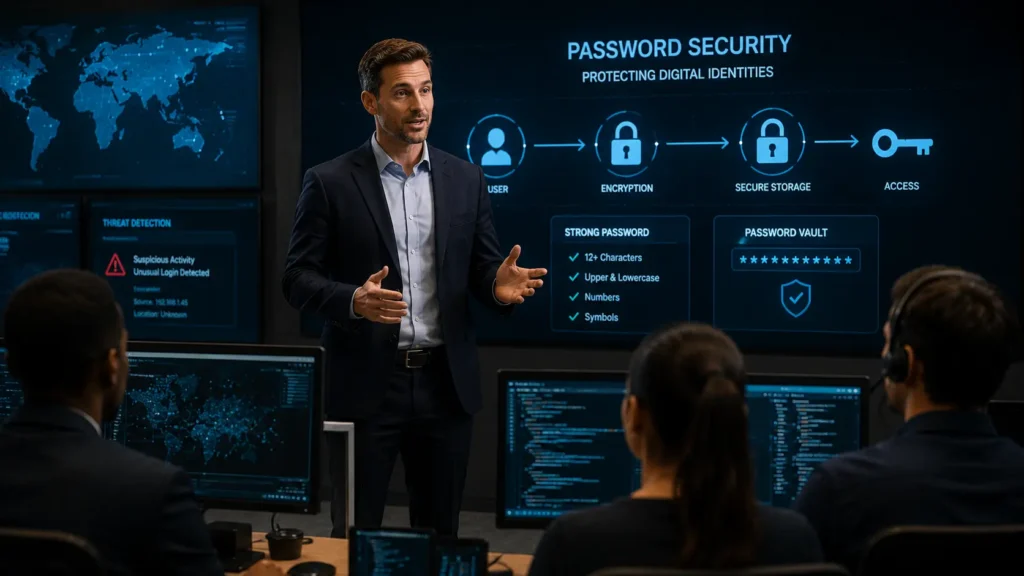
They encrypt them using advanced cryptographic algorithms such as AES-256 encryption, which is widely trusted by governments, financial institutions, and security professionals.
Here’s what typically happens:
- Your passwords are encrypted before they’re stored.
- Only your master password (or biometric authentication) can unlock the vault.
- The provider generally cannot read your passwords because many services use a zero-knowledge architecture, meaning they don’t possess the key needed to decrypt your vault.
- Even if the provider’s servers were compromised, attackers would generally obtain encrypted data rather than readable passwords.
This approach makes stealing your passwords far more difficult than many people imagine.
What Happens If the Password Manager Company Gets Hacked?
This is the question most people worry about.
The good news is that a breach of a password manager company does not automatically expose everyone’s passwords.
Because reputable password managers encrypt user vaults before storing them, attackers would still need:
- your master password
- the encryption key derived from it
- significant computing power to attempt brute-force attacks
If you’ve chosen a strong, unique master password and enabled multi-factor authentication (MFA), the risk is greatly reduced.
While no system is immune to attack, properly encrypted password managers are designed so that a server breach alone doesn’t reveal your stored passwords.
Why Browser Password Storage Isn’t Always Enough
Browsers like Chrome, Edge, Firefox, and Safari all offer password-saving features.
They’re convenient but dedicated password managers usually provide more robust security features, including:
- password health monitoring
- breach alerts
- secure password sharing
- encrypted notes
- support across multiple operating systems
- emergency access options
- stronger management tools for large password collections
Dedicated password managers also encourage stronger password hygiene instead of relying on convenience alone.
The Power of Unique Passwords
The biggest advantage of using a password manager isn’t storage.
It’s password creation.
Instead of remembering dozens of passwords, you only need to remember one strong master password.
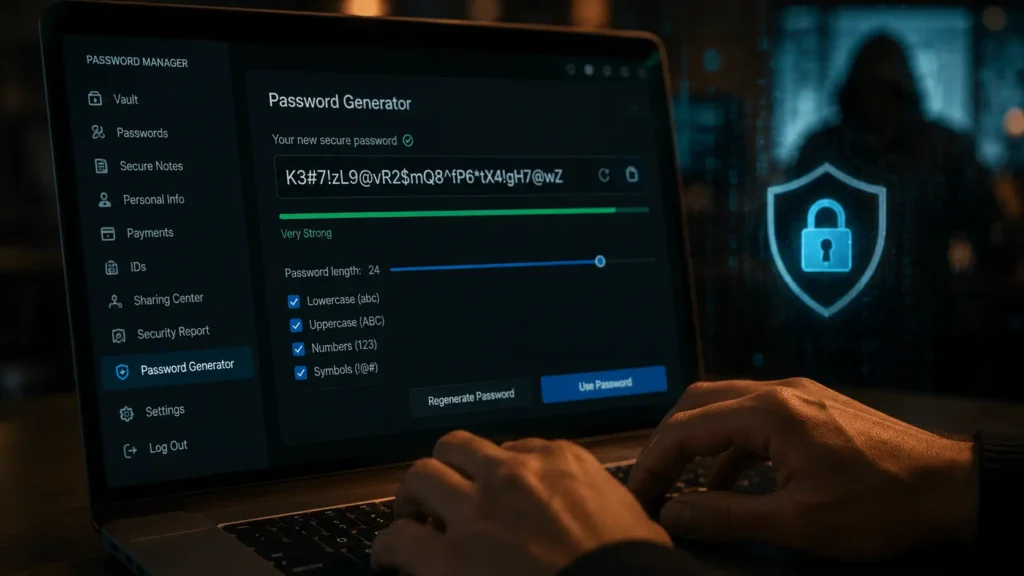
The manager can then generate passwords like:
F7!vN#2zLp@9Qm8R
These passwords are extremely difficult to guess and virtually impossible to remember which is exactly the point.
If every account has a unique password, a breach at one website won’t automatically compromise your other accounts.
This dramatically reduces your overall cyber risk.
What About Face ID and Fingerprint Login?
Many password managers support biometric authentication.
This often leads people to believe their fingerprint is replacing encryption.
It isn’t.
Your fingerprint or Face ID simply unlocks your encrypted password vault locally after verifying your identity.
The encryption protecting your passwords remains intact.
Biometric authentication simply makes secure access more convenient.
Choosing a Password Manager Safely
Not every password manager offers the same level of protection.
Security professionals generally recommend choosing services that:
- support zero-knowledge encryption
- undergo independent security audits
- offer multi-factor authentication
- provide regular security updates
- have a transparent security history
- allow encrypted backups and account recovery options
Reading independent security reviews and understanding how a provider handles encryption can help you make an informed choice.
Are Password Managers Perfect?
No security tool is perfect.
If someone discovers your master password or gains access to an unlocked device, your password vault could be at risk.
That’s why experts recommend:
- using a long, unique master password
- enabling multi-factor authentication
- keeping devices updated
- protecting your email account, since it’s often used for password recovery
- staying alert to phishing attempts
Password managers are one layer in a broader security strategy not a complete solution on their own.
The Bottom Line
For most people, the greatest cybersecurity risk isn’t using a password manager it’s relying on weak, reused passwords across dozens of online accounts.
Modern password managers use strong encryption, secure password generation, and features like multi-factor authentication to help reduce common security risks. While no technology can eliminate every threat, reputable password managers offer a practical and widely recommended way to improve online account security.
The next time you’re tempted to reuse the same password, remember: convenience often comes at the cost of security. A trusted password manager can help make strong security easier to maintain.
Read Also
🔹 How AI Learns Your Weaknesses From Just a Few Clicks
https://aiwalanews.com/how-ai-learns-your-weaknesses-from-just-a-few-click/
🔹 Why Deleting an App Doesn’t Actually Delete Your Data
https://aiwalanews.com/why-deleting-an-app-doesnt-actually-delete-your-data/
© AiwalaNews | Global Tech & Privacy Edition | April 2026
