
You walk into an airport, coffee shop, hotel, or shopping mall. Your phone automatically begins searching for nearby Wi-Fi networks. Even if you never tap “Connect,” your device may already be revealing information that can help businesses recognize your presence.
This doesn’t necessarily mean someone is reading your messages or stealing your passwords. Instead, many organizations use Wi-Fi analytics, device identifiers, and network metadata to understand how people move through physical spaces.
The result is something many people never realize: public Wi-Fi can contribute to tracking your device even before you join the network.
Understanding how this works helps you make smarter privacy decisions without unnecessary fear.
Your Phone Is Always Looking for Networks
Modern smartphones constantly scan nearby wireless networks.
This process allows your device to reconnect quickly to trusted Wi-Fi networks you’ve used before.
During these scans, your phone exchanges limited wireless information that nearby Wi-Fi equipment can detect.
Years ago, this included the device’s real MAC address a unique hardware identifier.
Because the MAC address was permanent, stores could recognize returning devices over weeks or months.
Privacy concerns led Apple, Google, and other manufacturers to introduce MAC randomization, which frequently changes the address used during Wi-Fi scanning.
This significantly reduced one of the easiest forms of location tracking.
Tracking Didn’t Completely Disappear
Although MAC randomization improved privacy, it didn’t eliminate every tracking technique.
Businesses can still analyze anonymous information such as:
- Approximate device presence
- Time spent inside a building
- Entry and exit patterns
- Crowd density
- Repeat visits (using privacy-preserving methods)
Many retailers use this information to understand:
- Which entrances are busiest
- How long shoppers stay
- Which areas receive the most foot traffic
- Staffing requirements
- Store layout effectiveness
The goal is usually operational analytics rather than identifying individual people.
Captive Portals Can Collect More Information
Many public Wi-Fi networks ask users to accept terms before gaining internet access.
These pages called captive portals may request:
- Email addresses
- Phone numbers
- Loyalty accounts
- Social media login
- Marketing consent
Once voluntarily provided, this information can be linked with your visit.
Businesses typically explain these practices in their privacy policies, although many users never read them.
Wi-Fi Analytics Are Common in Public Spaces
Today, Wi-Fi analytics are widely used in:
- Airports
- Stadiums
- Shopping malls
- Universities
- Hotels
- Convention centers
- Large retail stores
Operators analyze anonymous movement patterns to improve:
- Security
- Crowd management
- Cleaning schedules
- Store layouts
- Queue management
- Emergency planning
Many organizations aggregate this information rather than focusing on individual visitors.
Your Phone Reveals More Than Wi-Fi Alone
Even without joining public Wi-Fi, smartphones continuously communicate using other wireless technologies.
Examples include:
Bluetooth
Nearby Bluetooth beacons can detect compatible devices to provide indoor navigation or location-based services.
Cellular Networks
Your mobile carrier constantly knows which nearby towers your phone connects to.
GPS
Location apps may continue collecting precise coordinates if permissions are granted.
App Background Activity
Some apps periodically communicate with remote servers, even when not actively in use.
Public Wi-Fi is therefore only one piece of the broader digital location ecosystem.
Can Someone See What You’re Doing?
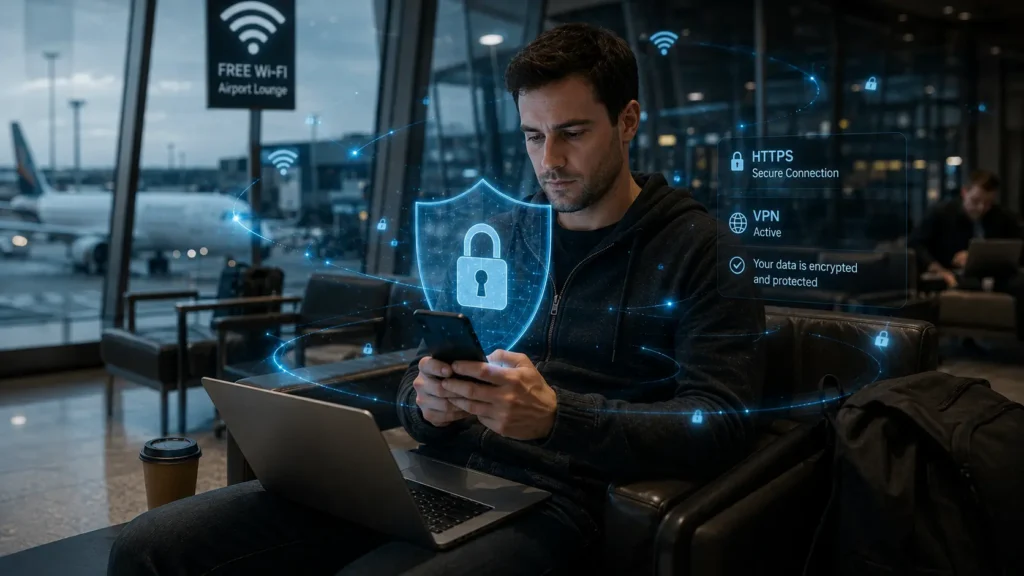
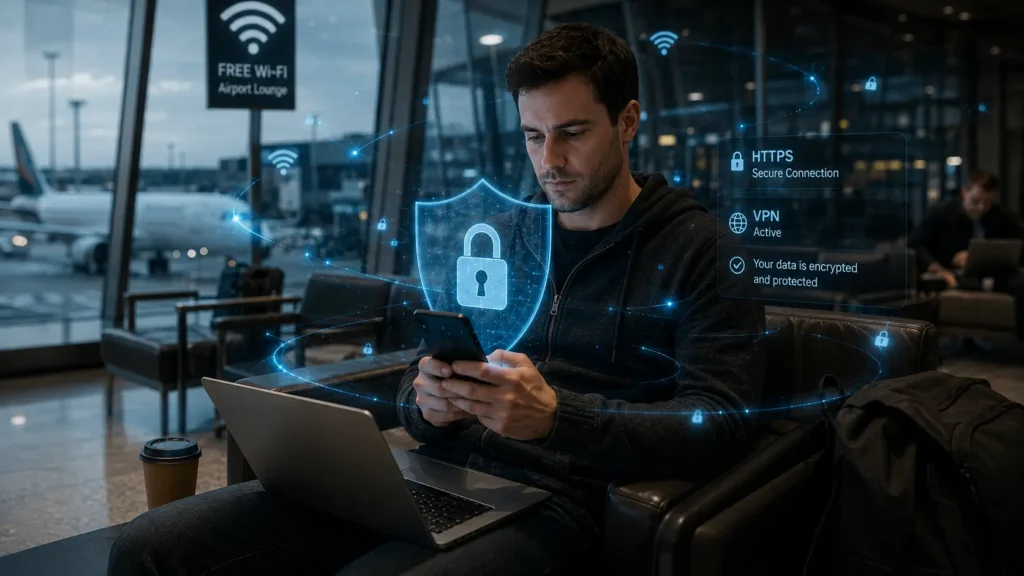
If you connect to an unsecured public Wi-Fi network, risks increase.
Potential threats include:
- Fake Wi-Fi hotspots
- Unencrypted websites
- Network interception attempts
- Phishing attacks
Fortunately, most major websites now use HTTPS encryption, which protects data exchanged between your browser and the website.
This makes intercepting passwords or payment information much harder than it was a decade ago.
However, fake login pages and malicious hotspots remain legitimate cybersecurity concerns.
How Private Relay and VPNs Help
Privacy tools cannot prevent every form of wireless detection, but they reduce what others can learn.
Examples include:
- VPN services, which encrypt internet traffic.
- Apple’s Private Relay, available with iCloud+, which hides your IP address in supported web browsing.
- Secure DNS services.
- Browser privacy protections.
These tools mainly protect internet traffic after you’re connected rather than stopping all wireless observations.
Simple Ways to Reduce Tracking
You don’t need to stop using public Wi-Fi entirely.
Instead, consider these practical habits:
- Turn off Wi-Fi when you don’t need it.
- Disable Bluetooth if unused.
- Avoid connecting to unknown networks.
- Use trusted VPN services on public Wi-Fi.
- Forget networks you no longer use.
- Keep your phone updated.
- Review location permissions regularly.
- Avoid entering sensitive information on unfamiliar networks.
These steps reduce exposure without sacrificing convenience.
Privacy Is Improving but Awareness Still Matters
Technology companies have made meaningful improvements over the past several years.
Features such as:
- MAC address randomization
- App permission controls
- Private browsing options
- Stronger encryption
- Network security warnings
have significantly improved smartphone privacy.
Yet wireless tracking hasn’t disappeared it has simply become more privacy-conscious and less personally identifiable in many cases.
The important takeaway isn’t to fear every public hotspot.
It’s to understand that every wireless technology leaves small digital signals behind, and those signals can sometimes be analyzed to improve services—or, depending on the circumstances, support marketing and analytics.
Knowing how these systems work allows you to make informed decisions instead of relying on myths.
The next time you walk into an airport or coffee shop, remember: your phone may be talking long before you ever tap “Connect.”
Read Also
➡️ How Stores Track You via Bluetooth Even With Wi-Fi Off
https://aiwalanews.com/how-stores-track-you-via-bluetooth-even-with-wi-fi-off/
➡️ The Shadow Profile Facebook Has on You Even If You’ve Never Had an Account
https://aiwalanews.com/the-shadow-profile-facebook-has-on-you-even-if-youve-never-had-an-account/
© AiwalaNews | Global Tech & Privacy Edition | April 2026
